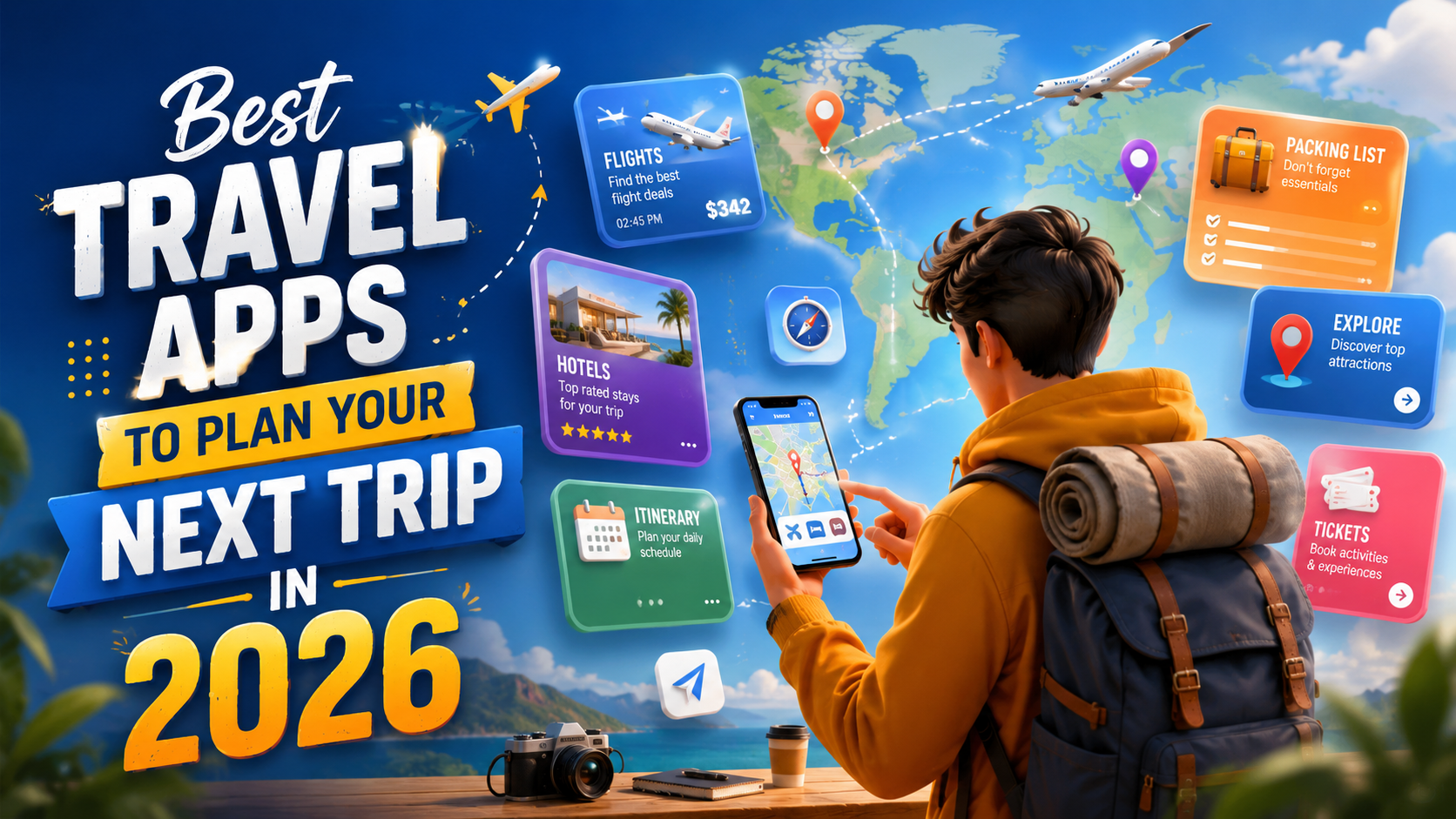
2026 Travel Toolkit
Planning a trip is easier when the right apps handle research, prices, bookings, routes, packing, language, and daily organization. However, downloading every popular travel app usually creates more confusion instead of saving time. The better approach is to choose a small toolkit in which each app performs one clear job. This guide explains the most useful travel apps for 2026, what each one does best, and how beginners can combine them for a smoother journey.
Quick Comparison of the Best Travel Apps
| App | Best For | Main Advantage | Ideal User |
|---|---|---|---|
| Wanderlog | Complete itinerary planning | Map and schedule together | Groups and detailed planners |
| Skyscanner | Flight and hotel comparison | Broad price search | Budget-conscious travelers |
| Hopper | Watching travel prices | Price guidance and alerts | Flexible-date travelers |
| TripIt | Booking organization | Central trip itinerary | Frequent travelers |
| Google Maps | Navigation and saved places | Offline map downloads | Almost every traveler |
| Rome2Rio | City-to-city route research | Multiple transport options | Multi-stop travelers |
| PackPoint | Smart packing lists | Weather and activity planning | Travelers who overpack |
| Google Translate | Language assistance | Text, camera, and speech tools | International travelers |
1
Wanderlog
Wanderlog is one of the strongest choices for building a day-by-day itinerary. It places saved attractions, restaurants, hotels, and routes beside a map, making it easier to group nearby locations. Travelers can collaborate with friends, import reservations, record expenses, and edit plans while traveling. It is especially helpful for road trips, group holidays, and busy city itineraries where timing and location matter.2
Skyscanner
Skyscanner is useful during the research stage because it compares flights, hotels, and car rentals from many travel providers. Flexible travelers can explore different dates or destinations before choosing a booking. Saved searches and price-monitoring tools can help users notice fare changes. Always review baggage rules, airport names, connection times, and the final seller before paying, because the cheapest displayed option may not be the most convenient.3
Hopper
Hopper focuses on mobile travel booking and price guidance for flights, hotels, and cars. Its value is strongest when your travel dates are not urgent and you want assistance deciding whether to book or continue watching. Price alerts can reduce constant manual checking. Predictions are guidance rather than guarantees, so compare the final offer with the airline or hotel directly and read every condition attached to optional flexibility products.4
TripIt
TripIt turns separate confirmation details into one organized itinerary. This is convenient when a journey includes flights, hotels, rental cars, meetings, and activities booked through different companies. Keeping essential details together reduces the need to search through messages at airports or stations. The free version covers basic organization, while premium services add features such as real-time alerts and additional travel assistance for frequent users.5
Google Maps
Google Maps remains an essential tool for finding attractions, reading recent reviews, saving places, checking opening information, and navigating by car, public transport, bicycle, or foot where supported. Before departure, create destination lists and download the required map areas for offline use. Offline coverage has limitations, so save hotel addresses, screenshots, and important routes separately rather than depending on one service during poor connectivity.6
Rome2Rio
Rome2Rio is valuable when you know the starting point and destination but do not know the practical transport choices between them. It can display combinations involving flights, trains, buses, ferries, driving, and walking, together with estimated durations and prices. Use it to understand possible routes, then confirm schedules, availability, luggage policies, and tickets with the actual transport operator before finalizing your plan.7
PackPoint
PackPoint creates a packing list using trip length, destination weather, and planned activities. That makes it more useful than copying a generic checklist. A business traveler, beach visitor, and hiking traveler need different items, even when their journeys last the same number of days. Review the generated list carefully, add medicines and documents manually, and remove unnecessary items to keep luggage lighter.8
Google Translate
Google Translate can assist with typed text, speech, handwriting, photographs, and camera-based translation, although availability differs by language. Download the required languages before an international trip so basic translation remains available without reliable internet. Save important phrases related to food allergies, transportation, accommodation, and emergencies. Translation apps are helpful, but sensitive medical, legal, or safety information should be confirmed with a qualified person.How to Choose the Right Combination
Before Booking
Use Skyscanner and Hopper to compare possibilities, but check final prices and conditions directly.
After Booking
Move confirmations into TripIt or Wanderlog and create a realistic daily plan.
During the Trip
Use Google Maps, Rome2Rio, PackPoint, and Google Translate for practical support.
Avoid app overload: Most travelers only need one price comparison app, one itinerary organizer, one navigation app, and one specialist tool based on the destination. Too many overlapping apps create duplicate alerts and scattered information.
- Check whether the app works in your destination and preferred language.
- Review recent ratings, privacy permissions, subscription terms, and cancellation rules.
- Download offline maps, language files, tickets, and hotel details before departure.
- Keep screenshots and printed copies of critical information as a backup.
- Never assume a third-party price includes baggage, taxes, or flexible cancellation.
Frequently Asked Questions
Are free travel apps enough for beginners?
Yes. Free versions usually cover basic comparison, navigation, itinerary building, packing, and translation. Pay only when a premium feature solves a genuine need.
Should I book through an app or directly?
Comparison apps are excellent for research. Direct booking may offer simpler communication during changes, but always compare the complete price, support terms, and cancellation policy.
Which app is most important for international travel?
Google Maps is broadly useful, while Google Translate becomes especially valuable where you do not speak the local language. Download offline content for both before leaving.
Can travel apps replace travel insurance?
No. Apps support planning and organization, but they do not replace suitable insurance, official entry guidance, emergency assistance, or professional medical advice.
The best travel app is not necessarily the one with the longest feature list. It is the app that removes a specific problem from your journey without adding unnecessary complexity. Build a small toolkit, verify every important booking, prepare offline backups, and keep your schedule flexible. With the right combination, your phone becomes a practical travel assistant while you remain in control of the decisions that matter.